
Contact us
Email support@bellboard.net. Tell us what you were doing, and which device you use (iPhone, iPad, Android, or the website). We usually reply within one business day.
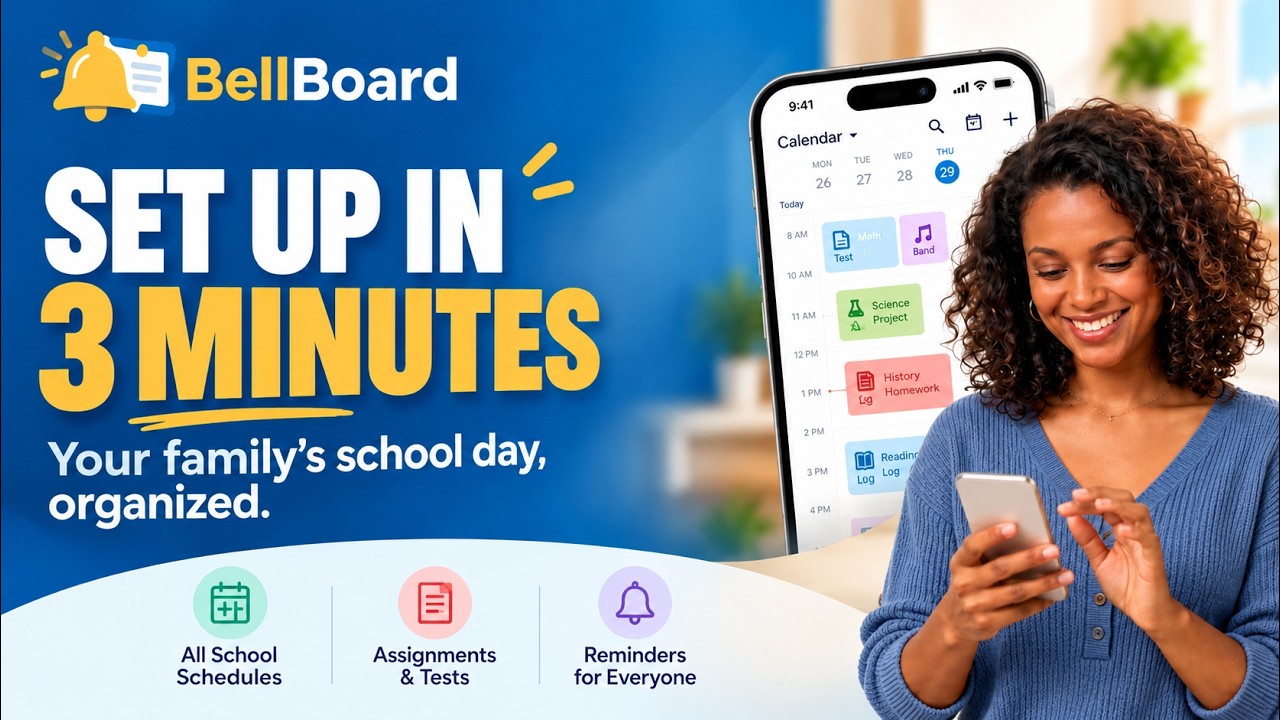
Get started in 3 minutes
Common questions
How do I add my children's school calendars?
In the app, open Account, then Settings, then School calendars. On bellboard.net, open Settings, then Sources. Either way, paste the calendar link your school publishes (Canvas, Schoology, PowerSchool, Blackboard, Brightspace, Moodle, Google Calendar, Outlook, or a school website) into the calendar link box.
See step-by-step help for every supported school system.
How do I get school emails into BellBoard?
Forward them to your family's private BellBoard address, shown in Settings, then School email, and on the Account screen of the app.
I use Yahoo Mail. Why is there a separate Yahoo option?
Yahoo only offers automatic forwarding on its paid Yahoo Mail Plus plan, and that forwards all of your mail, not just school email. If you have Mail Plus and a mailbox used only for school, forwarding works fine. Otherwise you can forward school emails by hand for free, or connect Yahoo directly in Settings, then School email, at no extra charge. BellBoard copies only emails from the school and district email domains in your Family setup, plus any other school senders you add, such as ParentSquare or a teacher's personal address. You connect with a Yahoo app password, not your regular password, and BellBoard never sends, deletes, moves, or marks anything as read in Yahoo. Disconnect at any time.
How do I invite my spouse or a caregiver?
Open Settings, then People, enter their email address, and choose their access. One subscription covers everyone you invite, and they never pay.
How do I manage or cancel my subscription?
The family owner manages it. If you subscribed on bellboard.net, use Settings, then Billing. If you subscribed through the App Store, use the Subscriptions page in your Apple Account settings.